AI-assisted software
AI Store Manager
Independent project · AI for physical operations
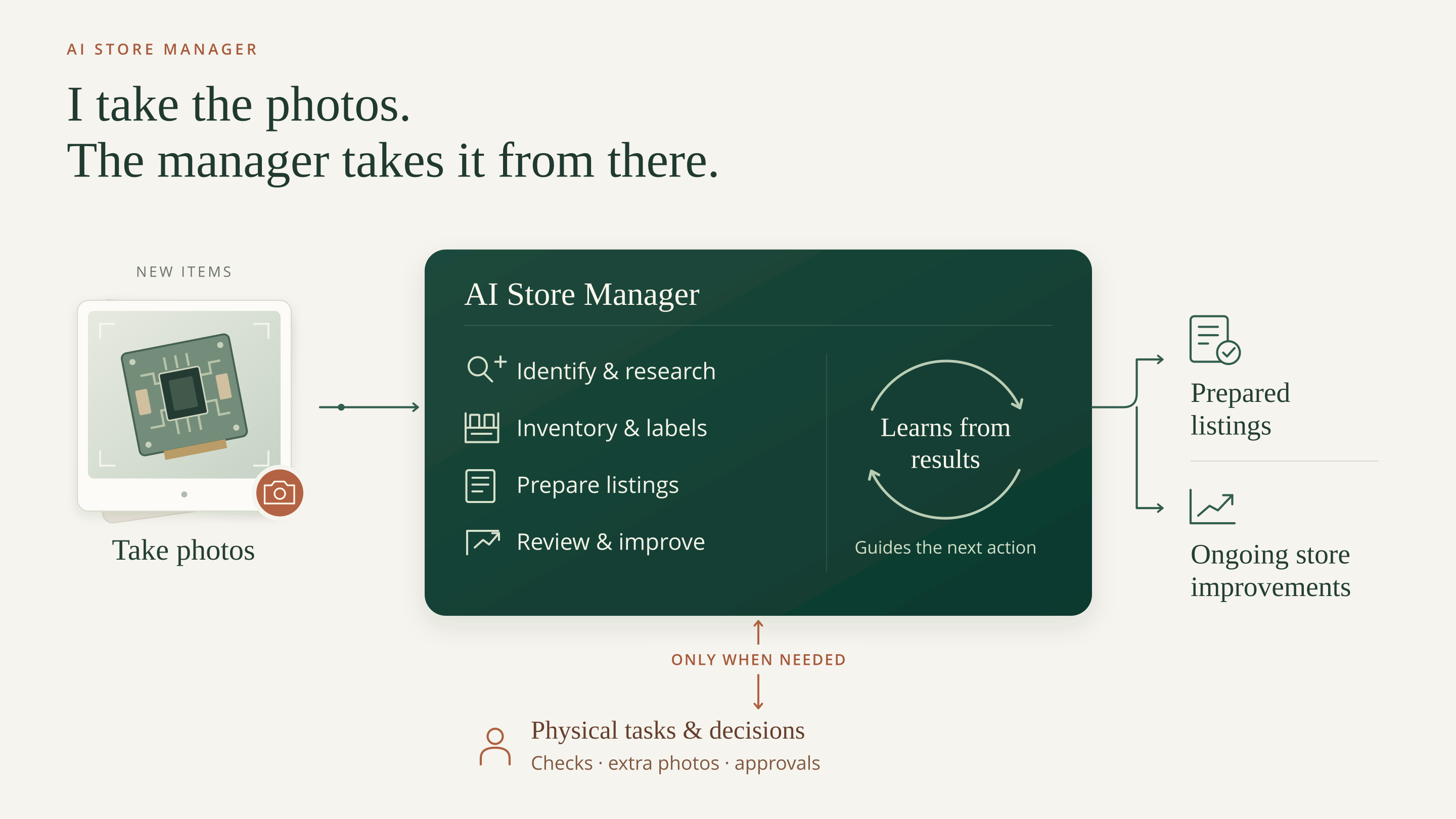
- An operating business: Running daily inside my laboratory, industrial, and automation equipment resale operation.
- Connected store work: Links intake photos and datasheet research to stock records, Zebra bin labels, eBay listings, and post-listing updates.
- My contribution: I specify the operating logic, direct AI coding agents, and verify workflows against physical stock and live marketplace state.
Research tied to stock
Model specifications are kept alongside confirmed condition, quantity, and contents, so the record describes the equipment being sold.
Verified live updates
The photo workflow carries my response through to a checked marketplace update.
Sales guide decisions
Order and delivery information informs what the manager investigates next, including how items are sold and shipped.
The full story
Reselling surplus laboratory, industrial, and automation hardware gets complicated fast once hundreds of unfamiliar components hit the shelves. Before a part can go live on eBay, its exact model specs, physical condition, included accessories, and selling unit (single item vs. lot) have to be pinned down—and stay locked to both the physical shelf bin and the live listing. Running AI Store Manager inside my own store gives me a real-world testbed for the same digital-to-physical verification problem that shows up in laboratory inventory, spare-parts cribs, and manufacturing QC.
Item intake
Starting with a photograph
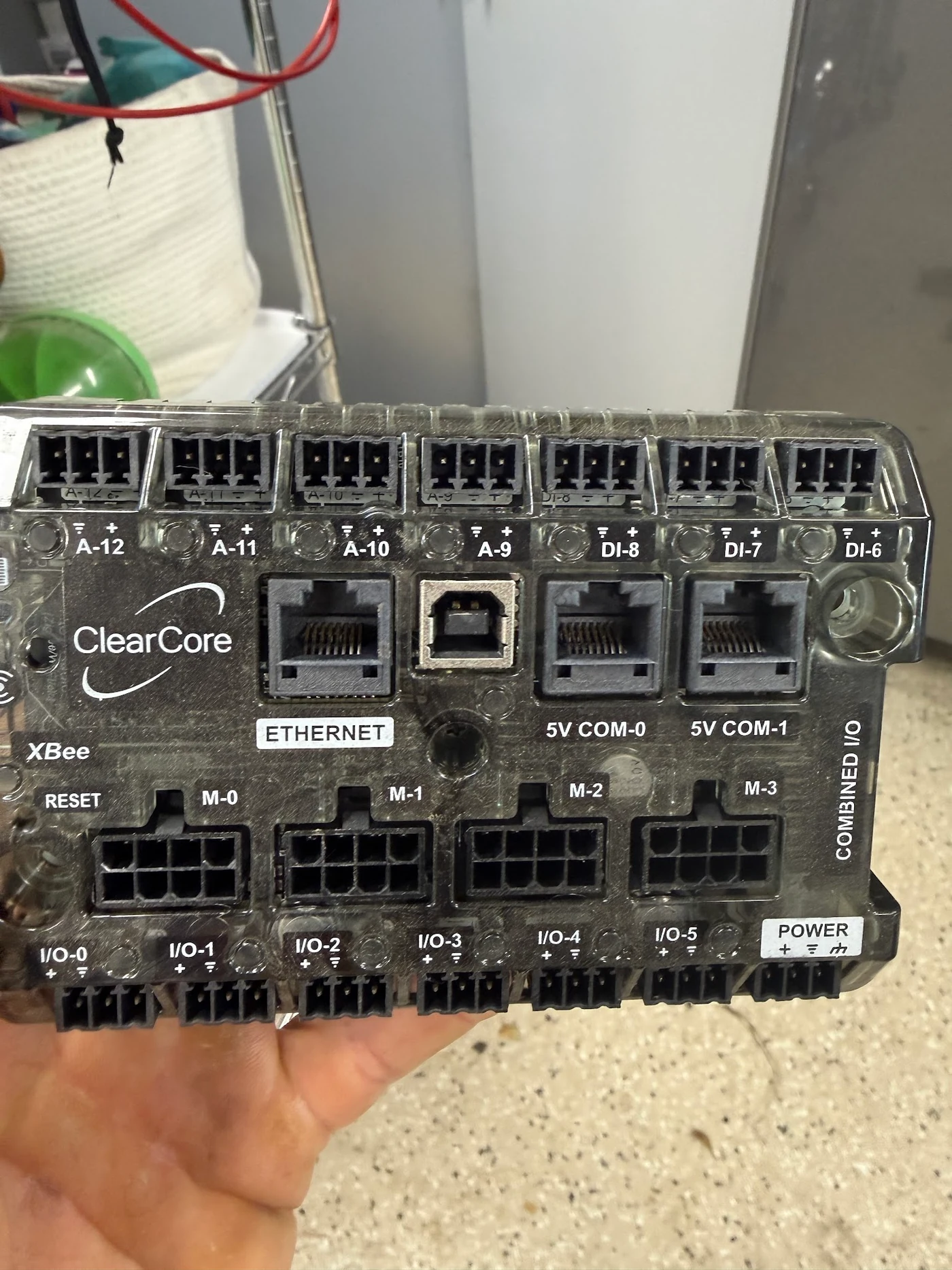
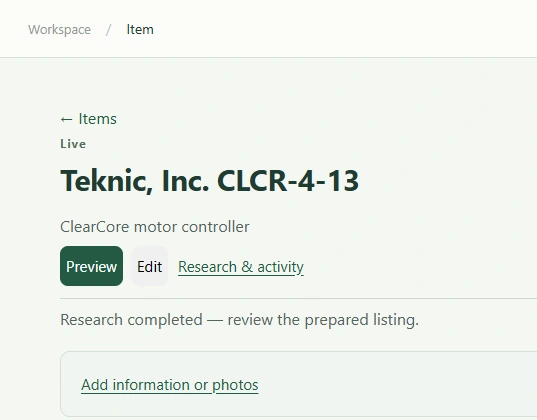
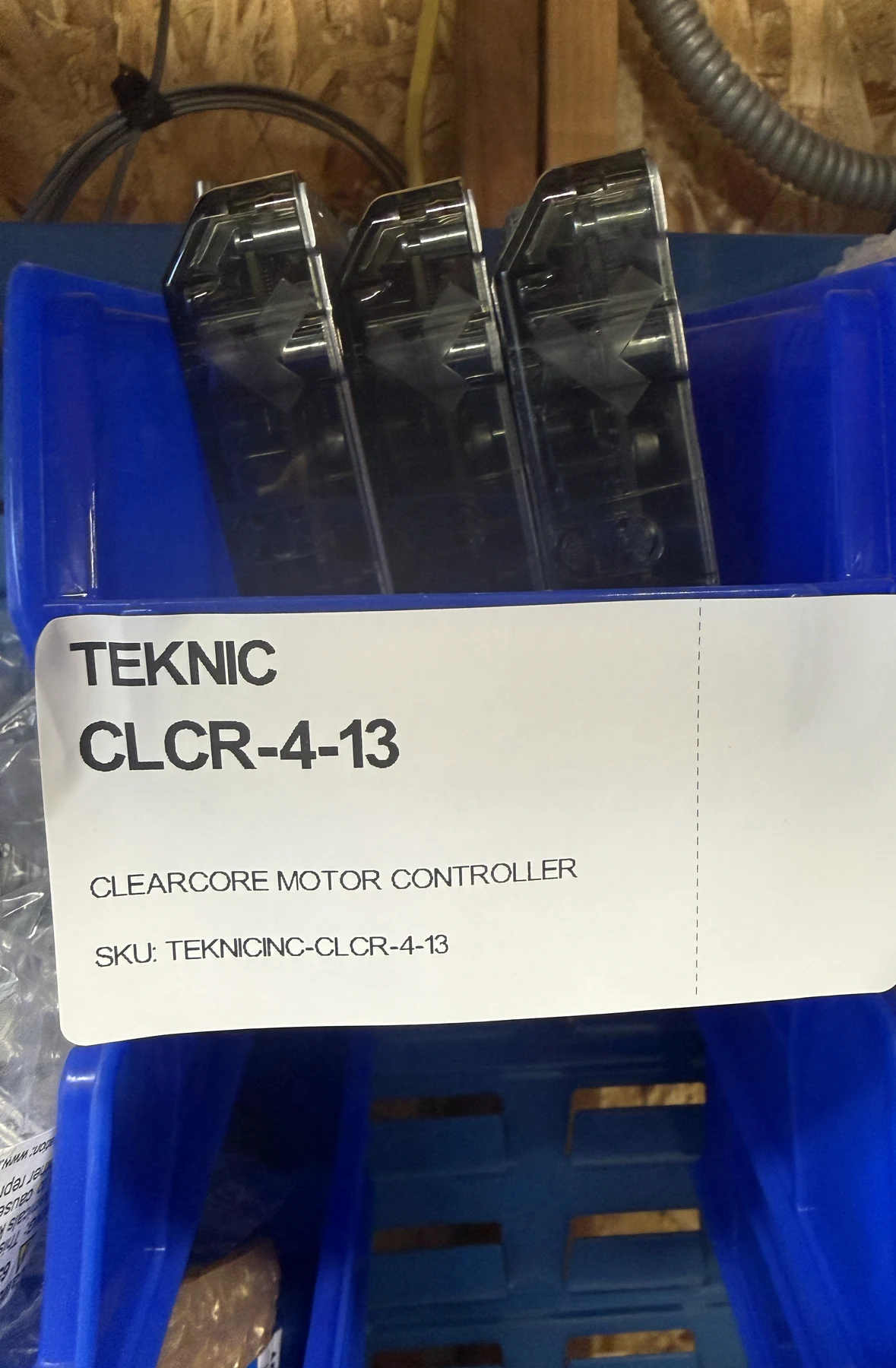
Every item record begins with bench photos. The app reads manufacturer and part markings off the housing, pulls technical specifications from datasheets, and pairs them with my physical inspection. On the Teknic ClearCore (CLCR-4-13) controller below, automated research pulled model specs including input-voltage range, while bench inspection recorded condition, included connectors, and three units in stock offered individually. Datasheets define the model; inspection defines the hardware on the bench.
Inventory and storage
Keeping the record connected to the shelf
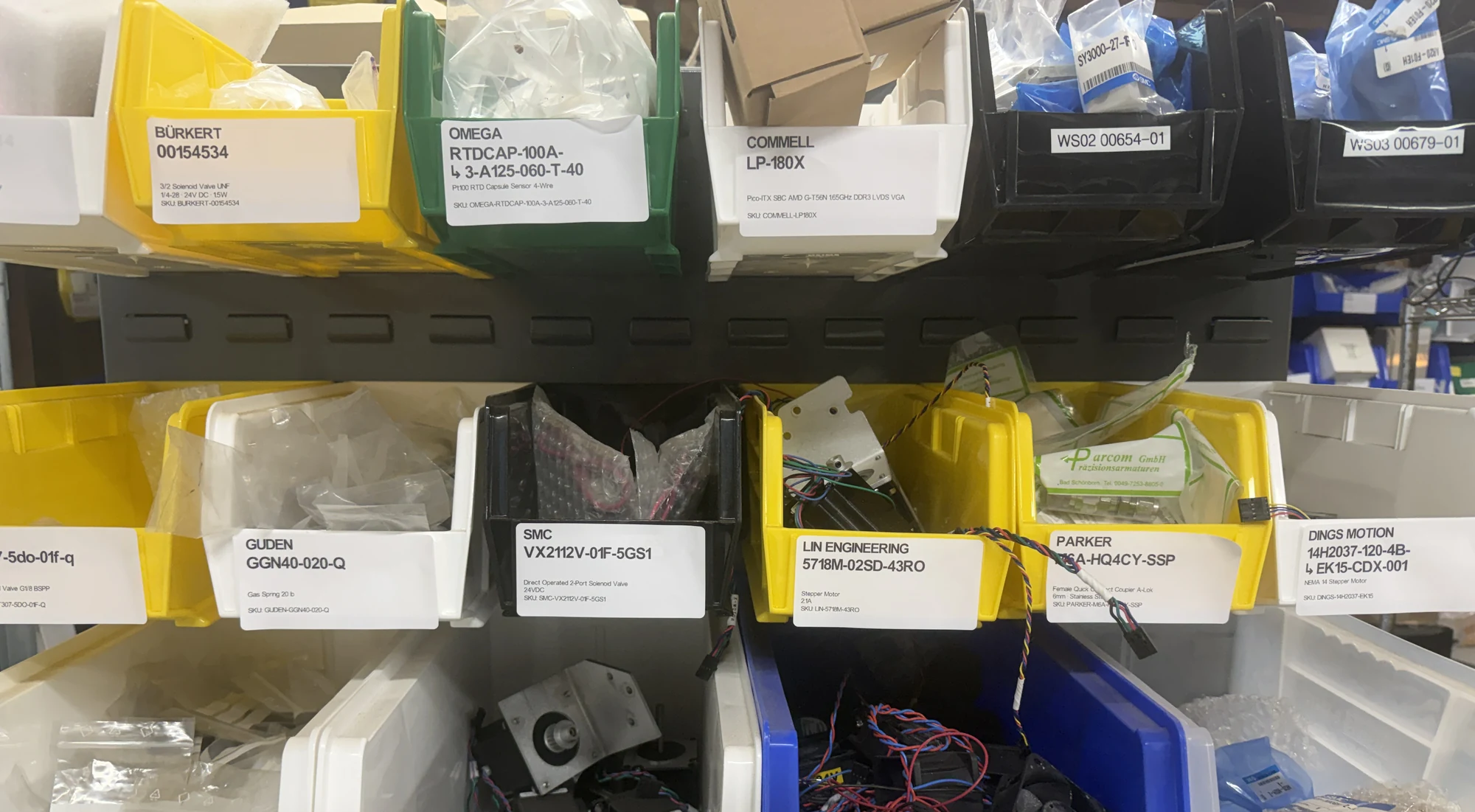
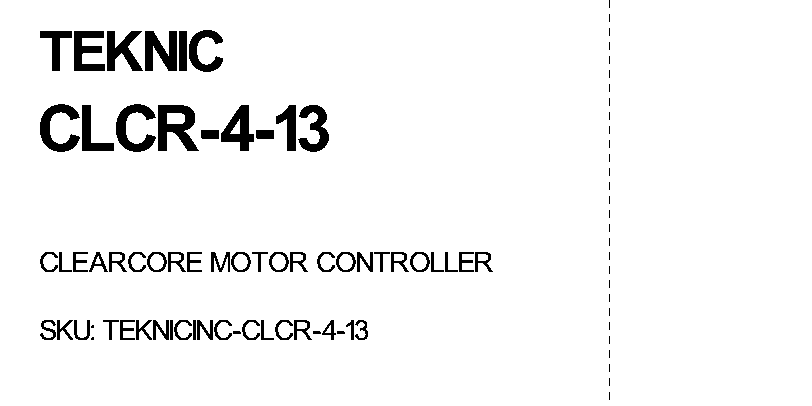
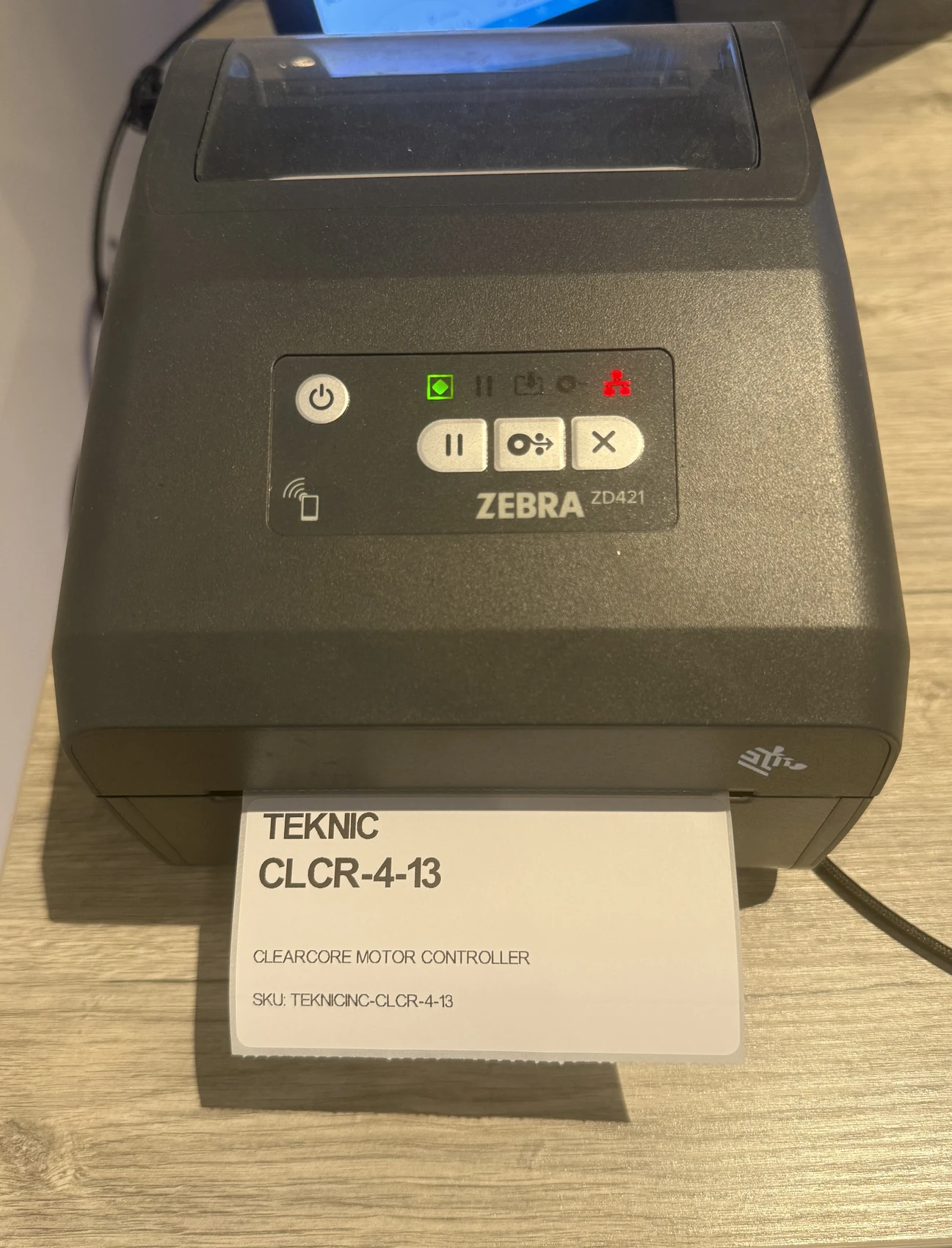
Once cataloged, parts still have to be unmistakable at pack-out. Similar controllers and fittings carry different part numbers, and one bin often holds multiple units sold individually. Printing Zebra thermal labels straight from the app links every digital record to a labeled bin on the rack.
After listing
Continuing the work after listing
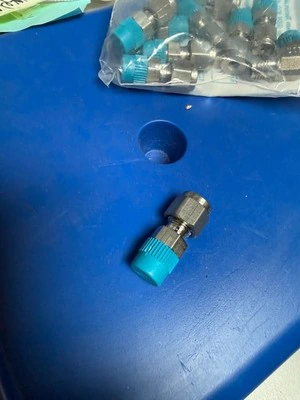
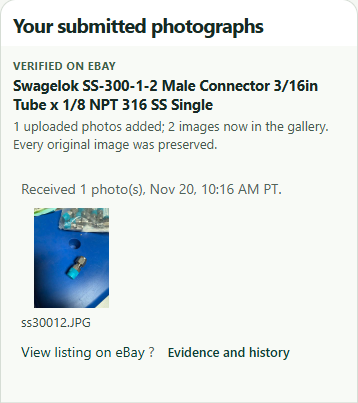
The manager also audits active listings for high-value fixes—flagging what is missing, why buyers care, and the exact input needed. When it flagged an unclear angle on a Swagelok fitting, I supplied one photo; the app pushed it to eBay while preserving existing gallery images and verified the live listing automatically.
Store research
Learning what to investigate next
Real order margins and shipping costs feed directly into what the manager investigates next. After an SMC regulator sold, realized shipping cost and remaining stock bumped the item up the review queue to evaluate multi-unit pricing and combined-shipping settings together.
Next in development: learning from declined suggestions, unsuccessful searches, and requests that take more effort than they’re worth.
Software development
Developing the software through use
My role is to decide how the application should behave in the business and direct the AI coding agents implementing it. That includes the information an item record needs, the work that can proceed independently, and the decisions that require my approval. I judge the implementation by what happens to the actual task and listing.
Daily use exposed a gap in an earlier photo workflow: supplied pictures were accepted, but the tasks disappeared without a clear completed result. An initial check of the marketplace galleries still showed the original images. I directed changes to the follow-up work, then checked the galleries again to confirm that the new photographs had appeared.
Catching that silent drop established a core rule across the codebase: a task isn’t complete when an API call fires—it’s only complete once live marketplace state is verified. Daily store friction sets my next engineering change, while saved sales outcomes shape the manager’s next store recommendation.